Booster for WooCommerce no longer a bloaty mess in 2023?
Announcements
This article is a followup from the excellent post by Simplenet at https://simplenet.io/booster-woocommerce-buster/
If you haven't read it before, please click the link and check it out for full context. In short, he compared the WordPress database before installing Booster and after, and found it had loaded 1226 autoload options and 146 additional queries. That was in 2019.
This post explores the question for 2023 – does Booster for WooCommerce still clog up your WooCommerce website? Fair warning: everything below is a snapshot from early 2023, so if you're reading this much later, treat the numbers as a starting point and run your own check.
Before installing Booster
Fresh installation of WordPress with all plugins deleted except WooCommerce:

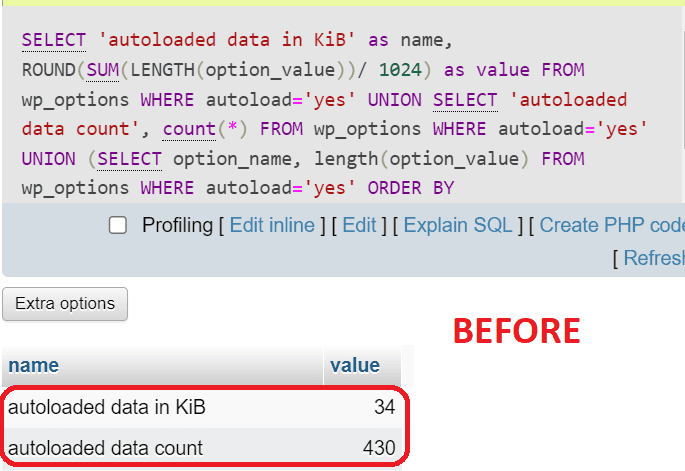
After installing Booster
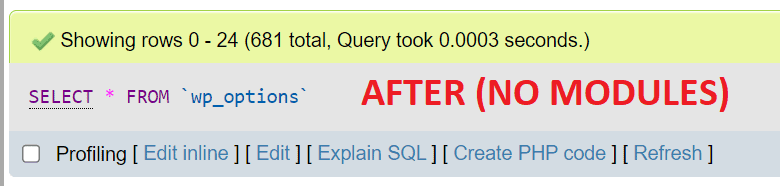
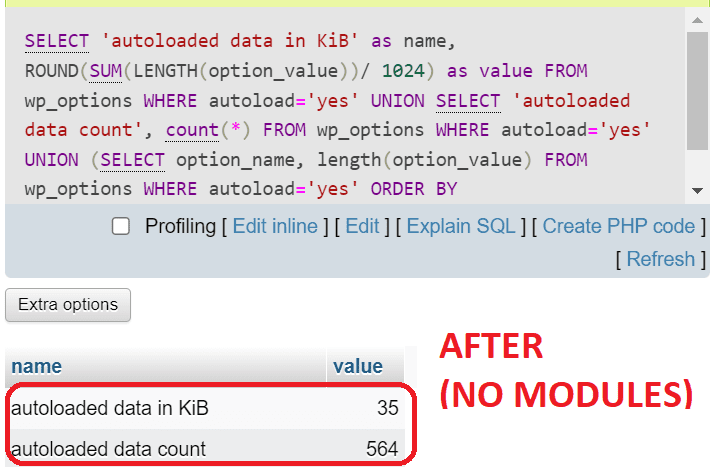
Wait, what? I couldn't believe what I was seeing. There was hardly any increase in database tables!
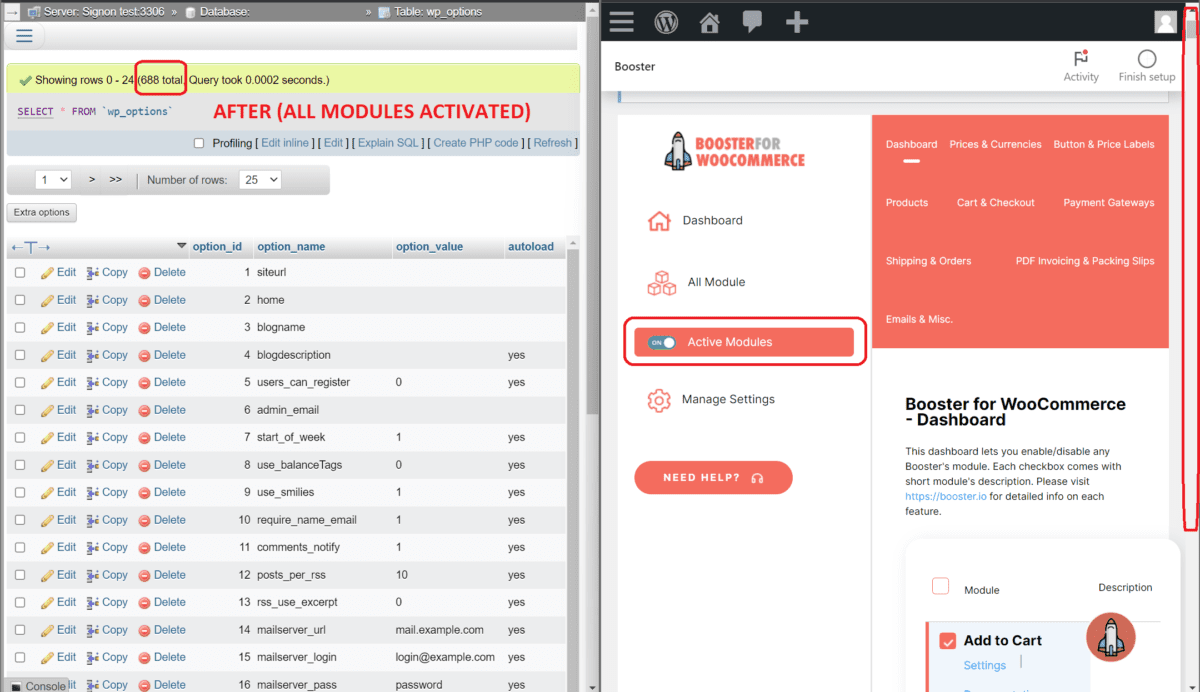
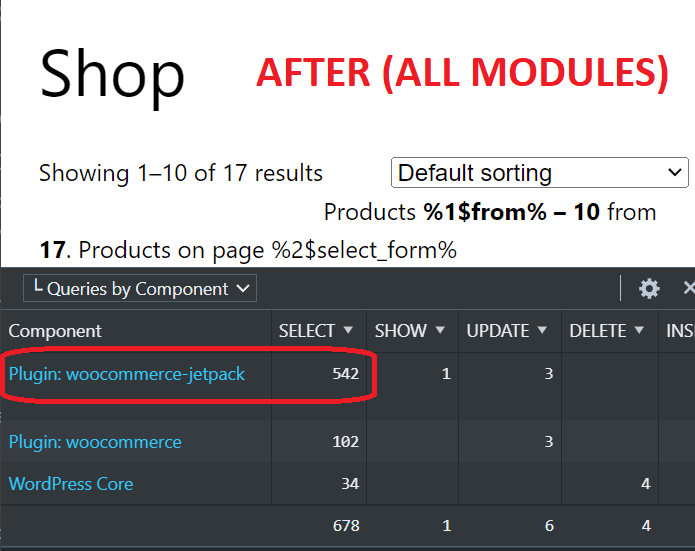
Activate ALL modules!
I tried to activate all the modules on Booster for WooCommerce to see how much it would change, and boy was I surprised by the results:
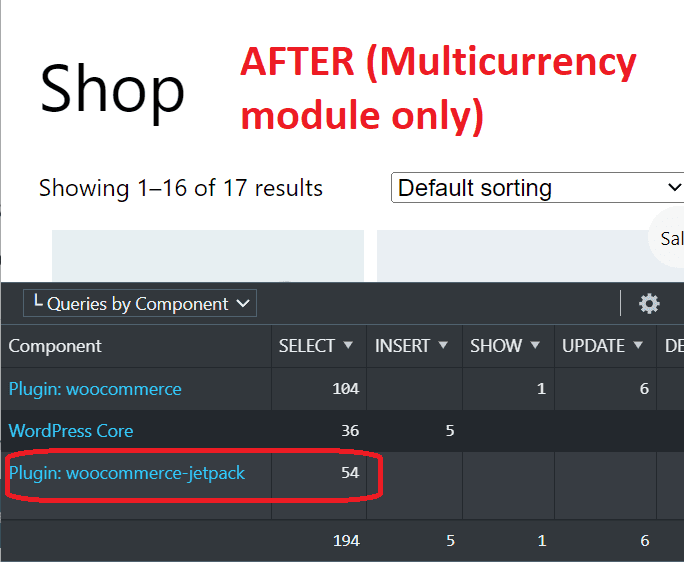
How about only one module?
For my site, I only need multicurrency at this moment, so I'll just activate that one module and deactivate the rest:
Conclusion
I'm pleasantly surprised to find that Booster for WooCommerce seems to now be a much lighter plugin, while still remaining very functional. Having 100+ functions within one plugin is appealing too, since it reduces the chances of anything breaking due to incompatible plugins during updates. I'm unbanning Booster for WooCommerce for client use.
Well done, Booster team!