How to access the database remotely for Gridpane users
Announcements
Gridpane is a great platform for managing WordPress sites, with a strong emphasis on security, but that means users on the Panel or Free plan can't hand out the excellent one-click login to phpMyAdmin to third-party developers (that's only available on Dev+ and Agency plans).
You'd have to use WordPress plugins like WP phpMyAdmin (which is slow, and a potential danger if a non-technical administrator accidentally clicks something they shouldn't), or set up desktop database software like HeidiSQL or MySQL Workbench, which can be too technical for the regular user.
Let me introduce you to Adminer.
1. Download Adminer
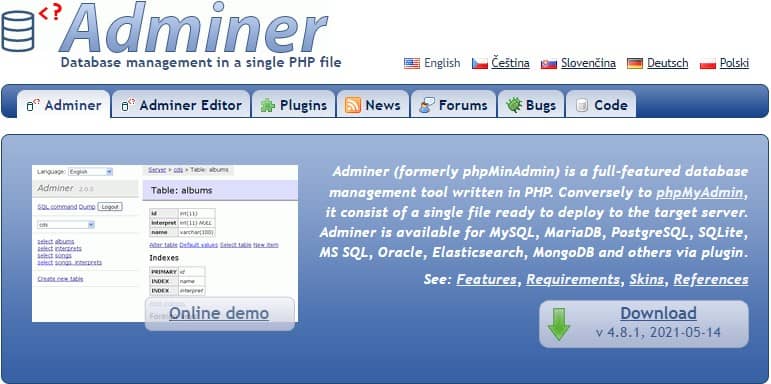
Adminer (not "ad-miner" but "admin-er") is a fantastic replacement for phpMyAdmin. It's tiny at 0.3MB and is literally a single PHP file. To install:
- Download Adminer.
- Rename the file to something else, e.g.
adminer-4.8.1.phptoa.php, so others can't guess it. You could also use a longer string like25321.phpordevs-db-access-dont-touch.php, then bookmark it or set up a redirect for easy access later.
2. Upload Adminer
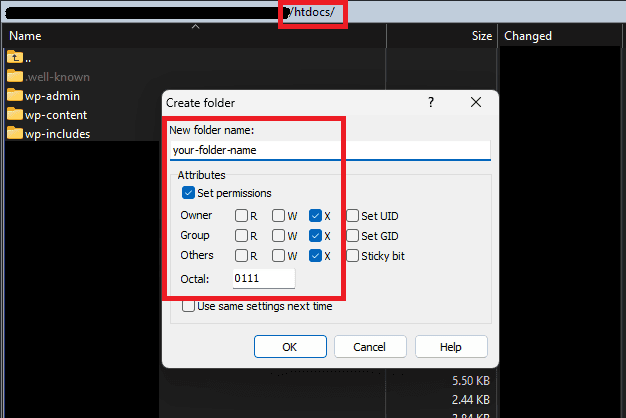
- Log in to your preferred file manager (I use WinSCP), and create a folder with permission 111. You can use the standard 755 if you want, but 111 is all you need here.
- Upload the Adminer PHP file to this folder. You can change the permission to 444 or leave it at the default 644.
Tip: if you have multiple sites on the same server, you only need to upload Adminer into one of them – you can use it to access all the other databases on that server too.
2.5 Optional: upload a style file
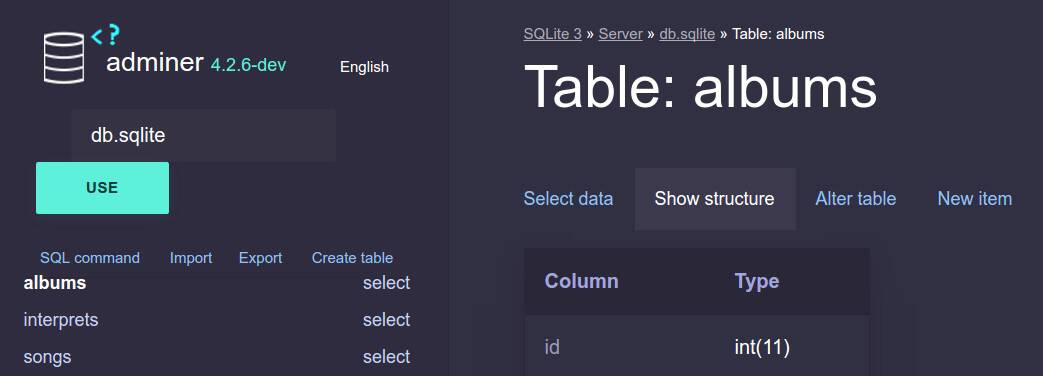
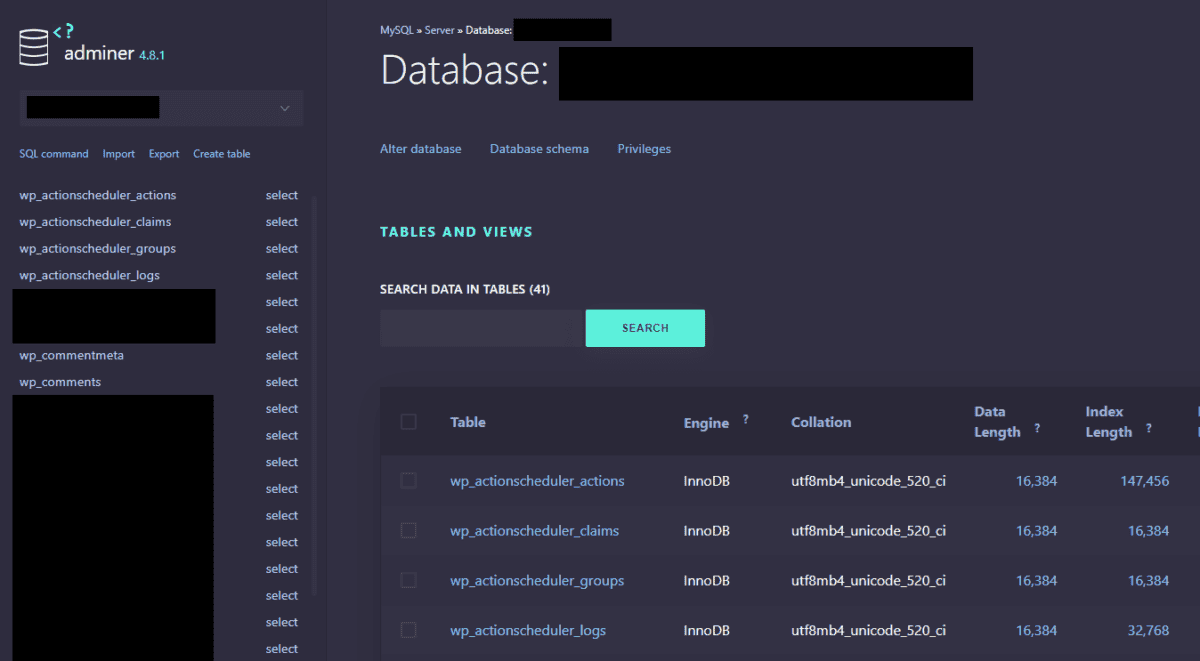
Adminer works fine without a style file, but it looks a million times better with one. From the Adminer home page, scroll down to the Alternative Designs section and pick one.
Download the CSS file and upload it into the same folder as your main Adminer PHP file. You can't rename this one – just leave it as adminer.css.
Personally, I like pepa-linha-dark.
3. Log in to Adminer on your server
In your browser, go to the file URL, e.g. yourwebsite.com/your-folder-name/db.php
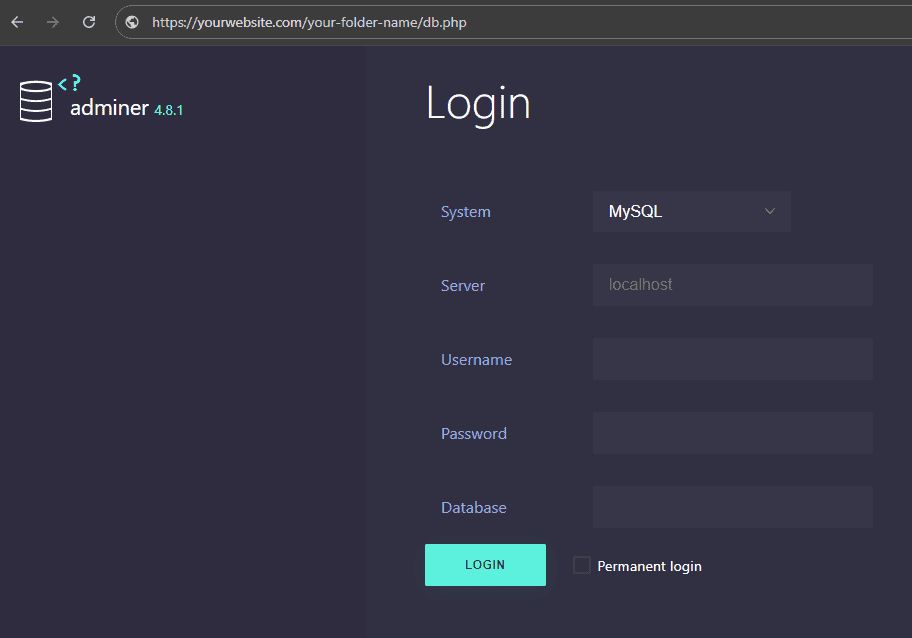
Get your credentials from wp-config.php (as a Gridpane user, you should already know where that is, so I won't explain this part).
- System: MySQL
- Server: localhost
- Username: from wp-config, under "DB_USER"
- Password: from wp-config, under "DB_PASSWORD"
- Database: from wp-config, under "DB_NAME"
That's it! It should be fairly straightforward after that. There are other plugins available for Adminer, and a support forum too, so go read up on those once you're done. All the best!
One more thing before you go: don't leave Adminer sitting there once you're done with it. Delete the file, rename it back to something forgettable, or restrict access to your own IP at the server firewall. A weird filename isn't real protection – it's just a database login parked behind an obscure URL, waiting for anyone who finds it.